What Is a Unix Timestamp and How Does It Work?
That long number in a log file is probably a Unix timestamp. Learn what Unix time is, why it starts in 1970, and how to read it.
Every time you send a message, upload a file, visit a website, or make an online purchase, a computer system may need to record exactly when something happened.
For people, dates and times are usually written in familiar formats such as 17 November 2026 or 3:30 PM. Computers, however, often work with time differently.
One of the most widely used methods is the Unix timestamp, a simple numerical representation of a moment in time.
Although Unix timestamps may look confusing at first, the idea behind them is surprisingly straightforward. Understanding how they work can be useful when dealing with software, databases, website logs, or files that contain unfamiliar numerical dates.
What exactly is a Unix timestamp?
A Unix timestamp represents a point in time as the number of seconds that have passed since 1 January 1970 at 00:00:00 UTC.
This starting point is known as the Unix epoch.
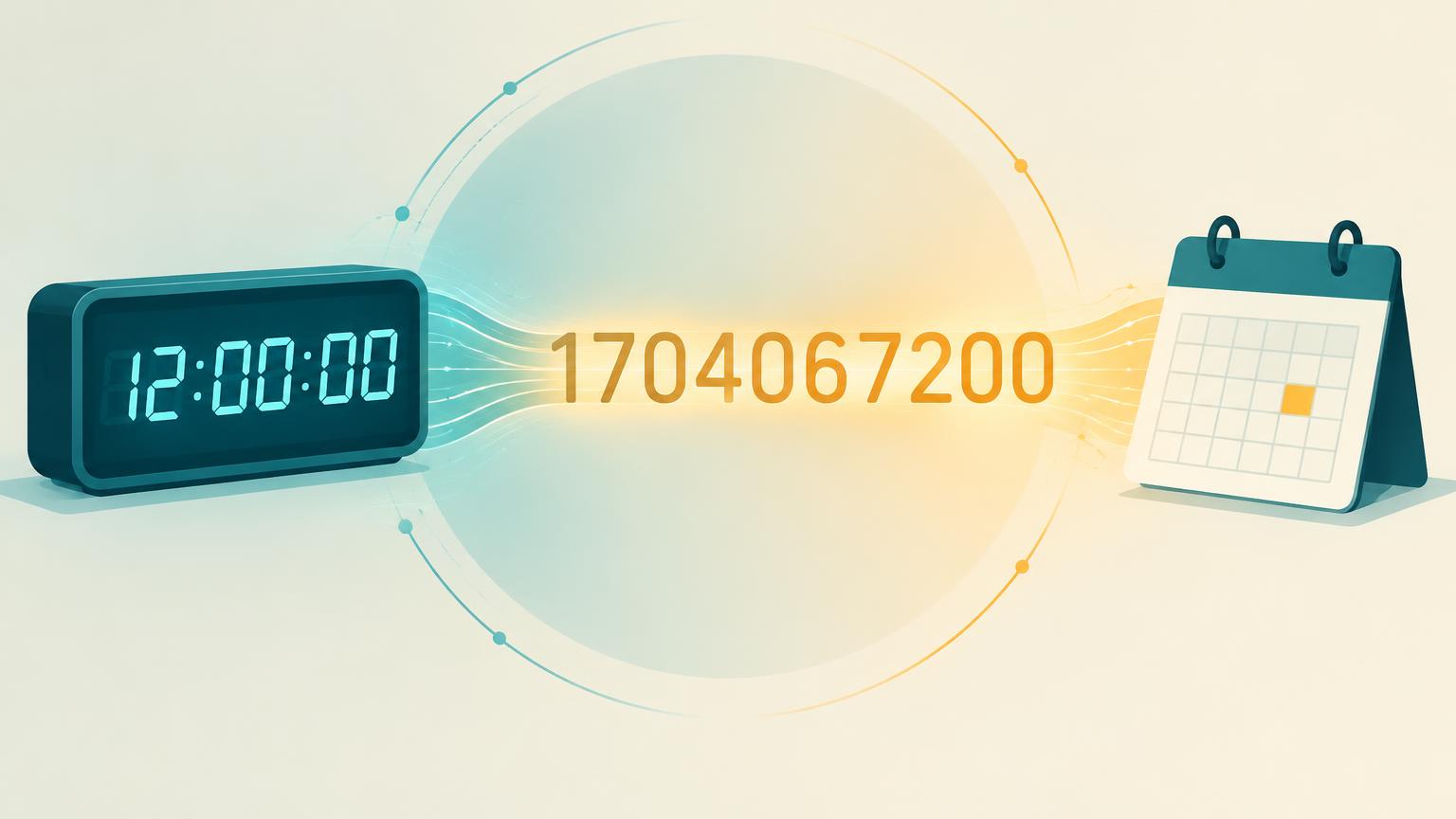
For example, the Unix timestamp for 1 January 2024 at midnight UTC is:
1704067200
Rather than storing the date as separate values for the year, month, day, hour, minute, and second, a Unix timestamp expresses the moment as a single number.
This makes it convenient for computers to store, compare, and calculate time.
The larger the timestamp, the later the moment it represents, assuming both timestamps use the same unit.
Unix timestamps can also be negative. A negative timestamp represents a moment before the Unix epoch.
For example, the beginning of 1969 has a negative Unix timestamp because it occurred before 1 January 1970.
Why does Unix time begin in 1970?
The Unix epoch dates back to the early development of the Unix operating system.
Unix was developed at Bell Labs beginning in 1969, and its timekeeping conventions evolved during the system's early years.
The beginning of 1970 eventually became the standard reference point for Unix time.
There is nothing inherently special about 1 January 1970 from a mathematical perspective. It is simply an agreed starting point.
What makes the system useful is that computers following the same convention can interpret timestamps consistently.
A timestamp recorded on one system can represent the same moment on another system, regardless of the local date or time format used to display it.
Why do computers use timestamps instead of ordinary dates?
Human-readable dates are convenient for people, but they introduce complications when software needs to process them.
Consider the date:
04/05/2026
Depending on where you live, this could mean 4 May 2026 or 5 April 2026.
Timezones introduce another challenge.
An event occurring at 10:00 AM in London may happen at a different local time in New York, Tokyo, or Sydney.
A Unix timestamp avoids much of this ambiguity by representing the underlying moment independently of how it is displayed locally.
Software can then convert that timestamp into the appropriate date and time for a particular user.
Timestamps are also useful for calculations.
For example, a system can determine how many seconds passed between two events by subtracting one timestamp from another.
This is much simpler than manually calculating the difference between two formatted calendar dates.
Understanding seconds and milliseconds
Not every timestamp you encounter will contain the same number of digits.
Traditional Unix timestamps are expressed in seconds.
However, many modern programming environments and applications use milliseconds, which are thousandths of a second.
For example, the beginning of 2024 can be represented as:
Seconds: 1704067200
Milliseconds: 1704067200000
Both values represent the same moment.
The difference is the unit being used.
A millisecond timestamp is 1,000 times the corresponding seconds timestamp.
This distinction matters because interpreting a millisecond value as seconds can produce an incorrect or unsupported date.
A common example appears in JavaScript, where Date.now() returns the number of milliseconds since the Unix epoch.
By contrast, many Unix-based tools and programming interfaces work with seconds.
When converting a timestamp, it is important to know which unit the original value uses.
The number of digits can provide a clue for contemporary dates, but it is not a completely reliable way to identify the unit.
How timezones affect Unix timestamps
One of the most useful features of Unix timestamps is that the underlying value does not change when someone views it from a different timezone.
Imagine an online meeting scheduled for:
12:00 UTC
Someone in a timezone two hours ahead of UTC would see that moment as 14:00 local time.
Someone in a timezone five hours behind UTC would see it as 07:00 local time.
The local clock readings differ, but the underlying moment is the same.
A Unix timestamp can represent that moment consistently.
When an application displays the timestamp, it converts the value into the user's chosen timezone.
This is particularly useful for international websites, online booking systems, and applications with users in multiple countries.
However, Unix timestamps do not automatically solve every timezone problem.
Software still needs accurate timezone rules when converting timestamps into local dates and times, especially in places that observe daylight saving time.
Where are Unix timestamps used?
Unix timestamps appear in many systems, even when users never see them directly.
Websites and applications
Websites may use timestamps to record when an account was created, a user last signed in, or a particular action occurred.
For example, a content management system might store the publication time of an article as a timestamp.
The website can then display that moment in a readable format.
Databases
Databases frequently store information about when records were created or modified.
Timestamps make it easier to sort events chronologically and calculate elapsed time.
A database might use Unix timestamps, dedicated date-time types, or another time representation depending on its design.
Server logs
When something goes wrong with a website or application, developers often examine server logs to understand what happened.
These logs may contain timestamps showing when requests were received, errors occurred, or background processes ran.
Having consistent time information is particularly useful when comparing events across multiple servers.
Application programming interfaces
APIs allow different software systems to exchange information.
Some APIs return timestamps rather than formatted dates because numerical values are convenient for software to process.
For example, an API might return a timestamp indicating when a piece of information was last updated.
The receiving application can convert it into a readable date for the user.
File information
Computer files often contain timestamps indicating when they were created, modified, or accessed.
The exact representation depends on the operating system and filesystem.
Not every file timestamp is stored as Unix time, but the general idea of recording a moment numerically is widely used.
What happens when a Unix timestamp reaches its limit?
Unix timestamps are often stored using integer data types, and the range of dates they can represent depends on how those integers are stored.
Historically, many systems used signed 32-bit integers for Unix time.
A signed 32-bit integer has a maximum value of 2,147,483,647.
When interpreted as seconds since the Unix epoch, that value corresponds to:
19 January 2038 at 03:14:07 UTC
This is the basis of the Year 2038 problem.
If software relies on a signed 32-bit timestamp and cannot handle values beyond that limit, it may produce incorrect results when the timestamp overflows.
Modern systems increasingly use 64-bit time representations, which provide a vastly larger range.
The Year 2038 problem is therefore not a universal failure waiting to happen across every computer. It primarily concerns systems and software that still depend on affected 32-bit time representations.
Are Unix timestamps always accurate?
A Unix timestamp is a convenient way to represent a moment, but the number itself does not guarantee that the recorded time is correct.
If a computer's clock is inaccurate, the timestamp it generates may also be inaccurate.
Applications can also make mistakes when converting between seconds and milliseconds or when applying timezone information.
Another technical detail involves leap seconds.
Unix time is commonly treated as a count of seconds since the epoch, but standard POSIX time does not count leap seconds as separate timestamp values.
This means Unix time is not a perfect record of every physical second that has elapsed since 1970.
For most everyday applications, this distinction is not noticeable. It becomes more important in specialised systems requiring precise timekeeping.
How to convert a Unix timestamp into a readable date
If you encounter a number such as:
1735689600
It may not be immediately obvious what date it represents.
This particular value corresponds to:
1 January 2025 at 00:00:00 UTC
A timestamp converter performs the calculation needed to translate the numerical value into a readable date and time.
The reverse process is also possible.
You can enter a date and time, specify the relevant timezone, and calculate its Unix timestamp.
The IntuWebTools Timestamp Converter provides a convenient way to work with these conversions without calculating the number of seconds manually.
When using any converter, check whether the input value is expressed in seconds or milliseconds and which timezone is being used to display the result.
These two details account for many common timestamp conversion mistakes.
Why Unix timestamps remain useful
Unix timestamps have been part of computing for decades, yet they remain relevant because they solve a practical problem.
Computers need a consistent way to represent moments in time, compare events, and exchange time information between systems.
A numerical timestamp provides a compact representation that software can convert into the date and time formats people prefer.
Whether you are reviewing a server log, examining data from an API, working with a database, or simply trying to understand a long number that appeared in a file, recognising a Unix timestamp can make the information much easier to interpret.
The number may look unfamiliar, but behind it is a simple idea: representing a particular moment using a shared starting point.