What Is a QR Code and How Does It Work?
QR codes are everywhere — menus, tickets, business cards, and packaging. Learn what a QR code is, how it works, where it is used, and how to create one for free.
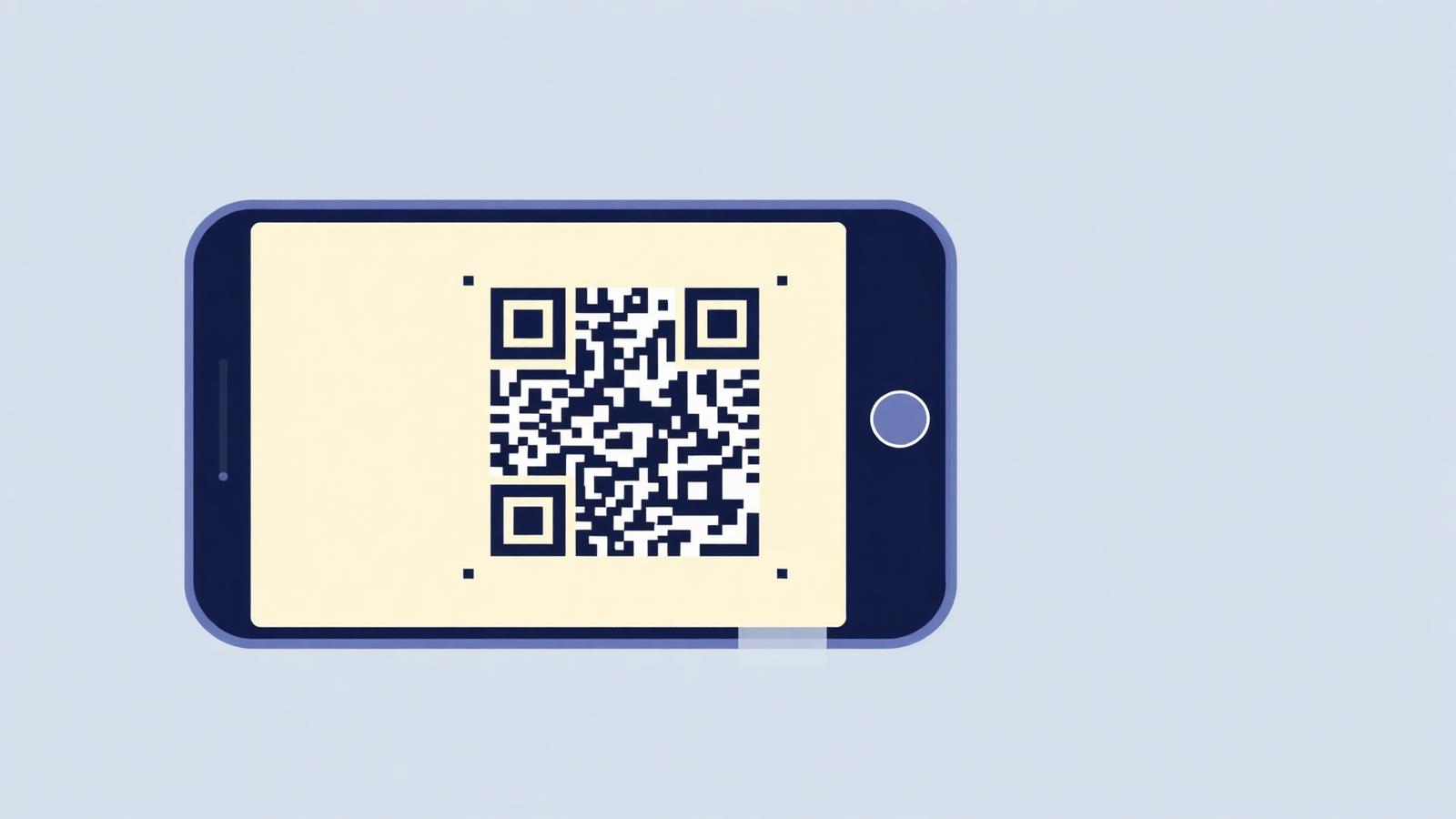
A few years ago, most of us walked past QR codes without giving them a second thought. They lived on train tickets, the back of shampoo bottles, and the occasional bus stop poster that nobody actually scanned. Then something quietly shifted. Restaurants stopped handing out menus. Supermarkets started printing them next to product labels. Musicians began flashing them on stage so fans could follow them without typing a single character. Almost overnight, that odd little square of black-and-white dots became one of the most useful shortcuts in daily life.
If you have ever pointed your phone at one and wondered what is actually going on inside those pixels, you are in good company. QR codes look mysterious, but the idea behind them is surprisingly elegant, and understanding how they work makes you a lot more thoughtful about when and how to use them.
What a QR Code Actually Is
A QR code, short for Quick Response code, is a type of two-dimensional barcode. The traditional barcodes you see on grocery items store information in a single direction, usually a short string of numbers that a scanner reads left to right. A QR code stores information in two directions at once, which is why it can hold far more data in a much smaller space. Instead of a dozen digits, a single QR code can carry a full web address, a paragraph of text, contact details, Wi-Fi credentials, or a payment instruction.
The name matters more than it seems. The original developers wanted a code that could be read quickly, even at an angle, even when partially damaged, and even in poor lighting. That is exactly what happens when you scan one from across a café table with a smudged phone camera. The design was built for the messiness of the real world, not the clean environment of a laboratory.
A Short History Worth Knowing
QR codes were invented in 1994 by a Japanese engineer named Masahiro Hara, who worked at Denso Wave, a subsidiary of Toyota. The problem he was trying to solve had nothing to do with restaurants or marketing. Car factories were struggling to track the huge number of components moving through their assembly lines. Traditional barcodes were too limited, and workers were slowing down because each part often required multiple scans.
Hara reportedly took inspiration from the black-and-white stones of a Go board while trying to design something faster. The result was a code that could be read in any direction and could store hundreds of times more information than a standard barcode. For years, QR codes stayed mostly inside industrial settings. It took the rise of smartphones with built-in cameras, and eventually the pandemic era of contactless everything, to push them into the mainstream.
Denso Wave chose not to enforce their patent, which is a large part of the reason the technology spread so widely. Anyone could generate a QR code, and anyone with a phone could read one. That openness is unusual in modern tech and worth appreciating.
How the Pattern Actually Works
Look closely at any QR code and you will notice three large squares in the corners. Those are called finder patterns, and they are the first thing a scanner looks for. They tell the camera where the code begins, where it ends, and how it is oriented. That is why you can scan a QR code upside down or tilted sideways and it still works. The phone rotates the image internally until the finder patterns line up.
Between and around those corners sits a grid of smaller black and white modules. Each module represents a binary value, and together they encode the actual information. Some sections hold the data itself, others hold error correction bits, and a few tiny areas describe things like the version of the code and the type of content it contains.
The error correction part is where QR codes quietly show their intelligence. The pattern is built using a mathematical technique called Reed-Solomon error correction, which allows a scanner to reconstruct the original data even if part of the code is scratched, torn, or covered by a coffee stain. Depending on the setting used when the code is created, up to thirty percent of a QR code can be damaged and still be readable. That is why you sometimes see codes with a company logo placed right in the middle. The logo is covering data, but the error correction fills in the gap.
When your camera focuses on a QR code, the phone converts the image into a grid, reads the pattern module by module, checks the error correction, and then decodes the resulting bits into text. If that text happens to be a web address, the phone offers to open it. If it is a Wi-Fi configuration, the phone offers to join the network. All of this happens in a fraction of a second, which is exactly what the original designers wanted.
Different Kinds of QR Codes You Encounter
Not every QR code is the same underneath. The most common type is a static code, where the information is baked directly into the pattern. Once you generate it, the content never changes. A static code linking to a website will always point to that same website, forever.
Dynamic QR codes work differently. Instead of storing the final destination, they store a short redirect link that points to a server, which then forwards the user to the real destination. This means the owner can change where the code leads without reprinting it. A restaurant can update its menu URL, a marketer can swap out a landing page, or a museum can rotate exhibits without producing new signage. Dynamic codes also make it possible to track scans, which is useful for anyone measuring the performance of a campaign.
You will also come across QR codes that carry specific data formats. A vCard QR code holds contact information that adds itself directly to your phone's address book. A Wi-Fi QR code stores a network name and password so guests can join without typing anything. Payment QR codes, common in parts of Asia and increasingly elsewhere, encode banking information that a payment app reads instantly. From the outside, they all look like the same square of dots. Underneath, they are doing very different jobs.
Where They Show Up in Everyday Life
The most visible use of QR codes today is in restaurants. A small square on the table replaces the printed menu, and diners scan it to see dishes, prices, and sometimes place their orders directly. This became widespread during the pandemic, and while some restaurants have quietly returned to paper, many kept the digital menu because it is cheaper to update and easier to translate.
Business cards are another everyday example. A designer or consultant might print a QR code on their card so a new contact can save all their details in one tap, without squinting at tiny text or typing an email address. The same idea appears in conference lanyards, LinkedIn profiles, and even personal websites.
Product packaging uses QR codes to expand what a label can say. There is only so much room on a bottle of olive oil, but a QR code can link to sourcing information, recipes, or sustainability reports. Marketers use them on posters, magazine ads, and billboards, turning a physical surface into a doorway to something interactive. Event organisers print them on tickets so entry becomes a matter of holding up a phone at the door. Museums place them next to artworks so visitors can hear an audio guide without renting a device.
There are quieter uses too. Utility companies put QR codes on meters so technicians can pull up the exact history of that unit. Shipping labels use them to track parcels through warehouses. Some medications include them on the box so pharmacists can verify authenticity. Once you start noticing QR codes, you start seeing them almost everywhere, often doing invisible work that used to require paperwork or a phone call.
Common Misconceptions
A few myths still follow QR codes around. The first is that they are inherently unsafe. In reality, the code itself cannot do anything harmful. It is just a pattern that resolves to text. The risk comes from what that text points to, which is the same risk you take when clicking any link. The sensible habit is to look at the preview URL your phone shows before opening it, especially when the code is stuck to a public surface where anyone could have replaced it.
Another misconception is that QR codes need special apps. On modern phones, the camera app already handles them. If you find yourself downloading a dedicated scanner, you are almost certainly using an older device or a manufacturer that has not caught up. For everyone else, pointing the camera is enough.
People also assume that a fancier-looking QR code, with rounded modules, embedded logos, or coloured backgrounds, is somehow different from a standard one. Underneath, they follow the same rules. The visual design is essentially a wrapper around the same encoded data. What matters is contrast and error correction. A stylish code that fails to scan is worse than a plain one that always works.
Designing a QR Code That Actually Works
If you ever create your own, a few habits will save you trouble. Keep the contrast between the pattern and its background as strong as possible. Dark on light is the safest combination, and inverting it can confuse many scanners. Give the code a bit of breathing room, since printing it flush against other graphics makes it harder for a camera to isolate.
Think about the physical size as well. A QR code on a poster meant to be scanned from three metres away needs to be much larger than one on a business card. A rough guideline is that the code should be at least one tenth of the scanning distance. Anything smaller and people will start walking closer, which is exactly the friction you want to avoid.
Test the finished code on more than one device before printing anything at scale. A pattern that looks perfect on your screen might fail on an older phone or under fluorescent lighting. Where possible, use higher error correction levels for codes that will live in the wild, exposed to weather, fingerprints, and the general wear of daily use.
Finally, think about where the code leads. A well-designed QR code opening onto a slow, unreadable, or mobile-hostile page wastes everyone's time. The scan is only the first step. What the user finds on the other side is what determines whether they will bother next time.
Where QR Codes Are Heading
The technology is quietly evolving. Payment systems built around QR codes are already the default in countries like China and India, where entire economies run on quick scans rather than card readers. That model is spreading, and it is likely that more Western retailers will adopt similar systems in the next few years, especially for small merchants who want to avoid transaction fees.
There is also growing interest in QR codes as anchors for digital identity, ticketing, and product authentication. Blockchain-based verification, augmented reality experiences, and instant translation apps all use QR codes as the entry point because they are simple, cheap, and universally readable. The square of dots is not glamorous, but it turns out to be one of the most durable bridges between physical and digital that we have ever invented.
Creating Your Own
Once you understand how QR codes work, generating one becomes surprisingly easy. Whether you want to share a Wi-Fi password with guests, promote a page, add contact details to a business card, or simply experiment, you can create a code in seconds using our free QR Code Generator. It runs entirely in your browser, needs no signup, and lets you download the result in the format you need.
QR codes started life as a solution to a warehouse problem in 1990s Japan. Three decades later, they sit on menus, packaging, tickets, and business cards across the world, quietly connecting the physical objects around us to whatever we choose to put on the other side. Understanding how they work does not just satisfy curiosity. It helps you use them more thoughtfully, whether you are scanning one over dinner or designing one for your own project.